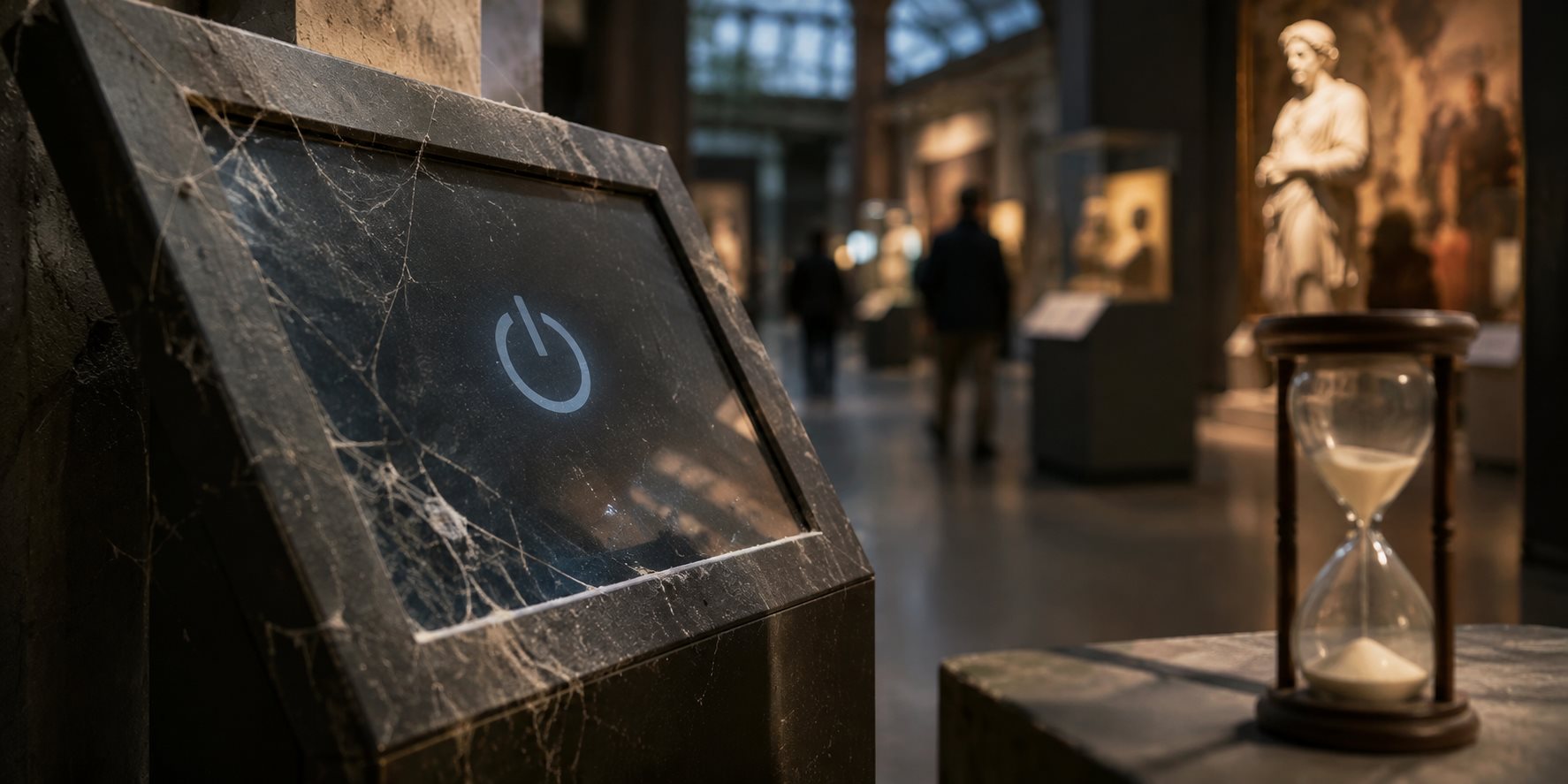

A dark screen in the hall is a project problem, not a hardware problem
Almost every museum that has renewed its exhibition in recent years has a screen with an “out of order” sign or a projector under a cover. The money was spent, the opening happened, and a few months later the interactive was quietly switched off. Visitors see a dark screen and draw conclusions not about the hardware but about the museum.
The cause is almost never “bad hardware”. Problems are built in at the project stage: who will be responsible for the system, what load it is designed for, whether content can be changed without a contractor. Below are the five reasons we see most often and what to do so the exhibition keeps working for years.
5 reasons interactives stop working
[секции]
How to build in reliability at the project stage
- Appoint a system owner on the museum side before launch — someone responsible for switching on, monitoring and contact with the contractor.
- Require professional equipment designed for daily or 24/7 operation, not consumer models.
- Plan for content management: texts, photos and videos should be editable without a programmer.
- Build in scheduled power on/off and remote monitoring.
- Include operation in the budget for 1–3 years: maintenance, spare parts, content updates.
- Test with real visitors before the official opening — especially children and groups.
Acceptance checklist for an interactive exhibition
- The whole system switches on and off with one button or on a schedule.
- After a power cut, everything restarts automatically without manual setup.
- There is a one-page instruction for gallery staff.
- Content source files, passwords and wiring diagrams have been handed over.
- There is a set of spare parts for the most vulnerable components.
- It is clear whom to call in case of a fault and how quickly they will arrive.
We design museum exhibitions to work for years, not until the first breakdown. Learn more in interactive solutions for museums.
1. The system has no owner
The contractor hands over the project, but nobody at the museum is responsible for multimedia: gallery staff don’t know how to restart the computer, and the IT department considers it “exhibition”, not technology. At the first glitch the screen is simply switched off. The fix: appoint a responsible person before launch, train them and hand over clear documentation.
2. Consumer equipment in museum mode
An ordinary TV or office projector isn’t designed to run 10–12 hours every day. Within months come burnt-in pixels, overheating and failed power supplies. Savings at launch turn into replacing equipment a year later. Exhibitions need professional models with a reserve of operating life.
3. Content can’t be updated
The interactive is “hard-coded”: fixing a typo or adding a new exhibit requires a developer. As a result content goes stale, and the app stops working after an operating system update. If a simple content management system is built into the project, the museum can maintain the exhibition itself.
4. The interface can’t handle real visitors
In tests the interface worked, but in the hall five children press it at once, hit the screen and block the sensors. Scenarios that don’t account for groups, queues and “wrong” behaviour break within the first weeks. Interactives must be tested with real visitors before opening.
5. No operating budget
The budget was spent on launch, with nothing left for maintenance, spares and support. Any breakdown turns into a months-long procurement. In projects that run for years, operation is budgeted from the start — usually as a separate service contract.